Navigating the Calendar
Give your teams instant visibility over inspection deadlines across the organisation in a simple, clear and user-friendly way - helping to increase compliance and reduce risk.
Learn how to navigate Calendar view by watching the short video below.
Watch time: 2 minutes
A few considerations
Time range: you can currently view up to three months of schedules (current month, one previous and one ahead)
Calendar Update: Start Inspections and View Reports
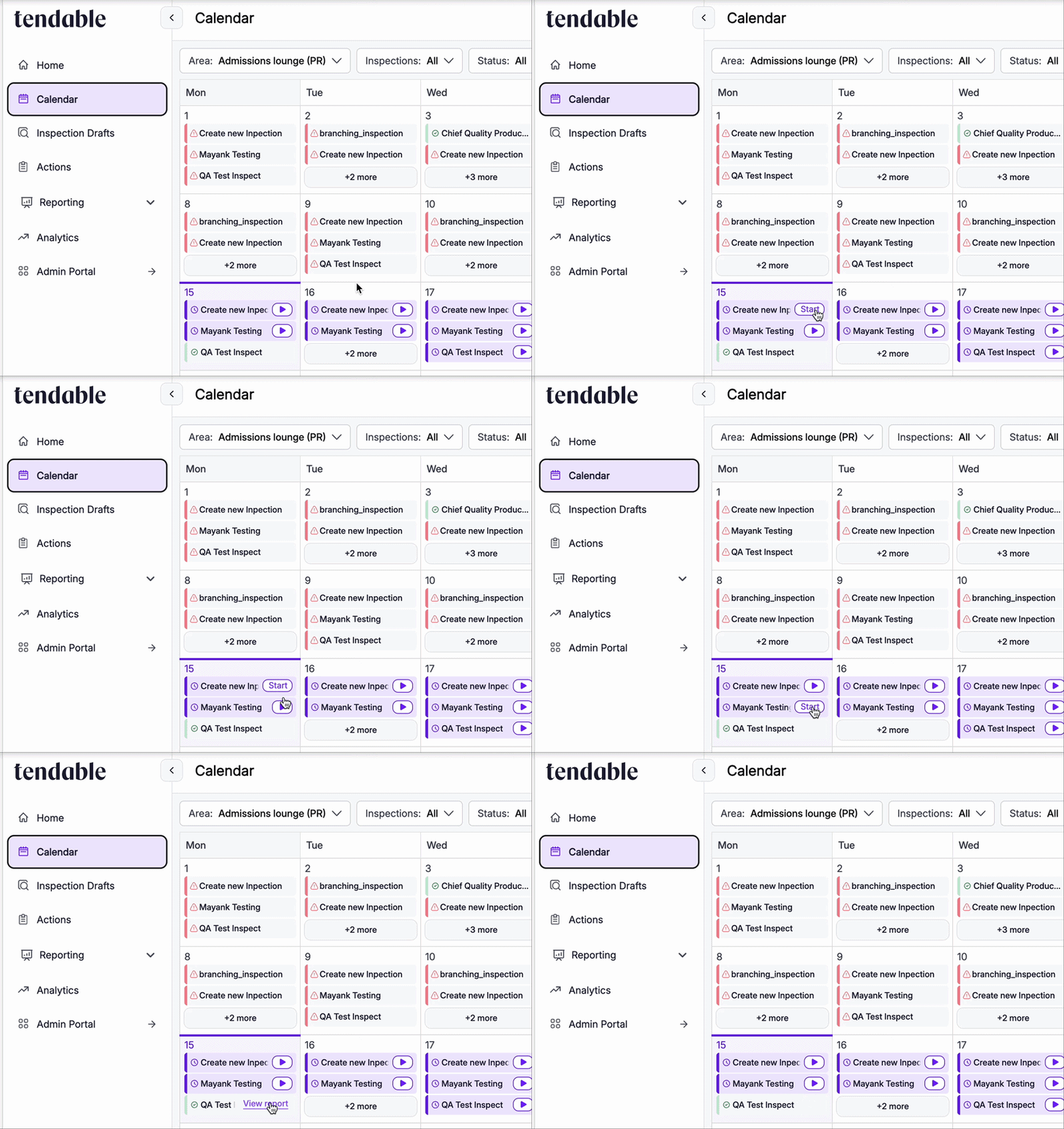
The Calendar is now much more interactive, and can be used as the primary view for teams.
Hovering over a deadline will show you the click through action - either to start that specific inspection, or view the report for an inspection which has already been completed.
---
Increase your team's engagement by sharing the Calendar poster.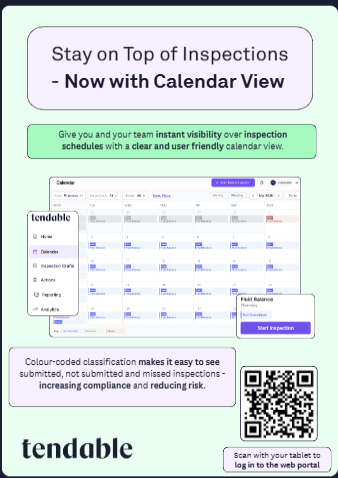
Was this article helpful?
That’s Great!
Thank you for your feedback
Sorry! We couldn't be helpful
Thank you for your feedback
Feedback sent
We appreciate your effort and will try to fix the article